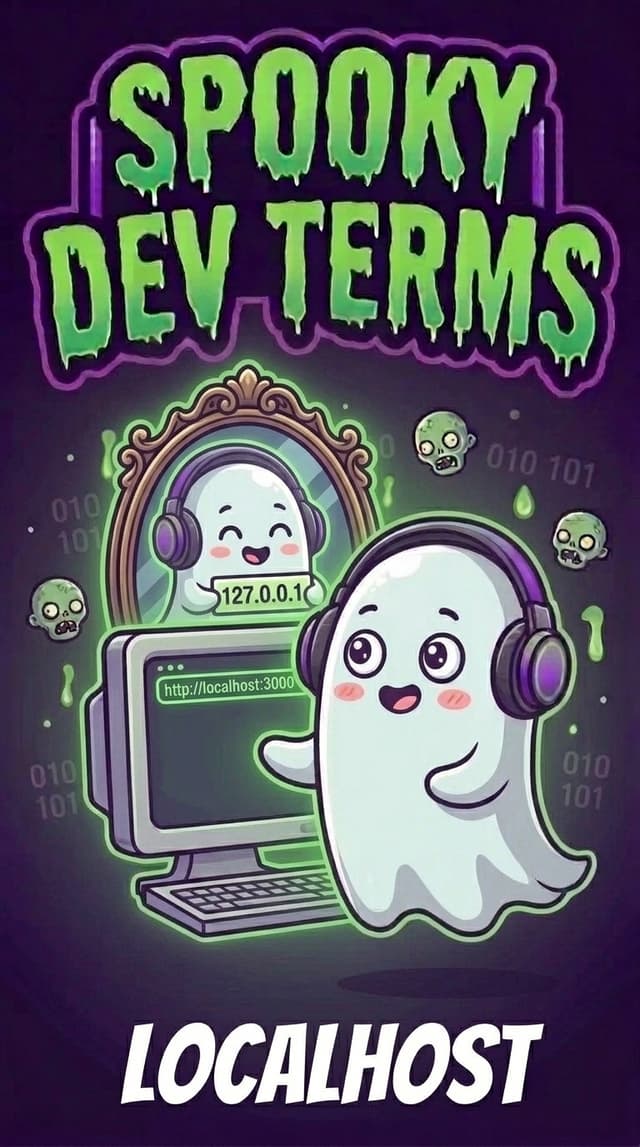
What the Heck is "localhost"? (And Why Can't Anyone Else See Your App?)
You just spent an exciting afternoon vibe-coding with your AI assistant. You built a gorgeous new dashboard or a fun mini-game, and your AI proudly announces in the chat:
Your app is ready and running live at http://localhost:3000!
You click the link, and it opens right up in your browser. It looks stunning. Everything works perfectly.
Thrilled with your progress, you copy http://localhost:3000, paste it into a group text or Slack message to your best friend, and say: "Check out what I just built!"
Thirty seconds later, they text back:
"Uh... it just says 'This site can’t be reached.' Did you break it?"
You click the link on your laptop again. It still works for you. You test it on your phone. Broken.
Did your app turn into a ghost that only your laptop can see? Is your computer haunted?
Not at all. In fact, you just stumbled into the most famous rite of passage in all of software engineering... and the call is literally coming from inside the house.
What is "localhost", Really?
To understand localhost, think about how regular websites work.
When you type google.com or cloudywithchanceofsmiles.com into your browser, your computer packs a digital backpack, walks out your front door, and travels across miles of cables to ask someone else's computer (a server in Oregon or Virginia) for a webpage.
localhost does the exact opposite.
When you type localhost, your computer doesn't step out onto the internet. It turns around, looks in the mirror, and talks directly to itself.
Network engineers call this the loopback address (technically nicknamed 127.0.0.1). Think of it as a private walkie-talkie where your browser is talking to a helper program running on that very same laptop.
It's your computer's personal magic mirror. Only the person sitting in front of the mirror can see what is happening inside it.
What is That Number at the End? (:3000)
Whenever your AI shares a localhost link, you will almost always see a colon and a number tacked onto the end, like :3000, :5173, or :8080.
Think of your laptop as a spooky apartment building:
localhostis the building address: It tells the browser, "We are visiting our own building."- The number (
:3000) is the apartment number: Engineers call this a Port.
Your laptop runs dozens of tasks at once. It needs apartment numbers so messages don't get mixed up in the lobby:
- Apartment
:3000might be where your Next.js web app lives. - Apartment
:5173might be where your Vite preview lives. - Apartment
:8000might be where your Python backend server is hanging out.
When you type localhost:3000, you are telling your browser: "Walk down the hall to Apartment 3000 on this machine and ask whoever is inside for the webpage!"
The Campfire Trap: Why Your Friends Can't See It
Now you can solve the mystery of why your friend's phone showed a broken page.
When you texted http://localhost:3000 to your friend, their phone followed your instructions literally.
Their phone opened its browser, looked inside its own apartment building at Apartment 3000, found nobody home, and threw its hands up: "This site can't be reached!"
localhost isn't a secret code for your specific laptop... it is a universal pronoun that means "myself" to every computer on Earth.
If you tell five different laptops to open localhost, each one will look inside its own belly!
How Builders Actually Share Their Work
If localhost is a private mirror, how do you show your prototype to clients, friends, or teammates without deploying the whole thing to production?
Builders use two easy tools:
1. Magic Tunnels (Port Forwarding & Sharing)
Tools like Cloudflare Tunnels, ngrok, or built-in IDE tunnels create a secure, temporary peephole into your machine. They give you a real, public web address (like https://happy-ghost-42.trycloudflare.com) that safely routes traffic directly into your laptop's Apartment 3000 for a few hours.
2. One-Click Staging Deployments
When you want a permanent link that works even when your laptop lid is closed, you ask your AI to publish your code to a hosting platform like Firebase App Hosting, Vercel, or Google Cloud Run. That moves your app into a real public apartment building on the web!
How It Works in Google Antigravity
When you build projects with Google Antigravity, you never have to guess whether a server is running or struggle with blocked ports:
- Instant Web Preview Panel: Antigravity automatically detects when your app starts serving on
localhostand opens an interactive preview browser right inside your workspace. - One-Click Shareable Tunnels: Need a coworker to test on their phone? You can click the sharing icon beside your running preview port to generate a secure external link in one click.
- Smart Port Detection: If Apartment 3000 is accidentally occupied by an old background daemon from earlier, Antigravity alerts you or helps your agent free the port cleanly.
The Builder’s Spooky-to-Human Cheat Sheet
| When your AI says… | What it actually means… |
|---|---|
localhost |
"Your computer talking to itself inside its own private mirror." |
127.0.0.1 |
"The secret IP address that always points back to your own machine." |
Port (e.g. :3000) |
"The specific apartment number where your app is waiting for visitors." |
| Loopback | "The network traffic staying inside your machine without touching the internet." |
| Tunnel / Port Forwarding | "A temporary peephole that lets outside visitors see inside your local apartment." |
Builder Takeaways
- Don't text localhost: It is a private mirror for your machine only. Your friends will only see their own empty apartment.
- It is your safe sandbox: Nobody on the internet can see your messy drafts or broken layouts while you are on
localhost. - Look for the apartment number: If your page won't load, make sure you didn't forget the port number at the end!
Next time your AI launches a server on localhost:3000, don't be spooked that you're the only one in the room. Enjoy your private workshop... and save the public links for when you're ready to show off! 👻