You're inspecting your app's code after a weird bug pops up. A button stopped working, or an image refuses to load. You ask your AI coding assistant to investigate, and it replies in the chat:
Let me run git blame on line 42 to see when this logic was introduced and check the commit notes...
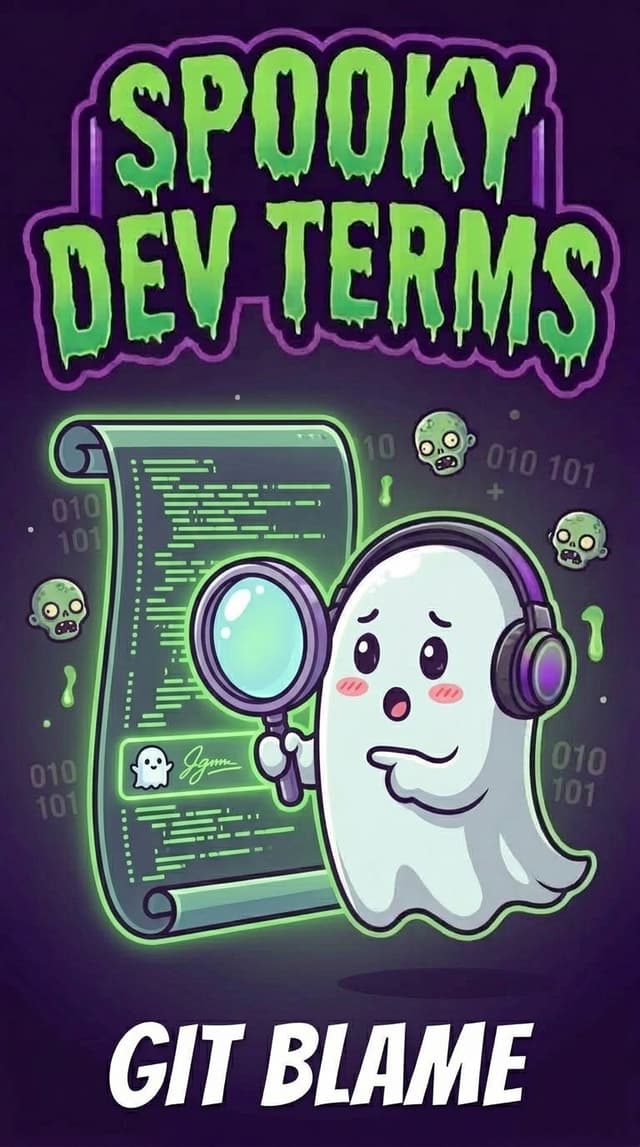
If you aren't a software engineer, git blame sounds downright hostile. It conjures images of an angry mob in a haunted mansion, pointing bony fingers in the dark and shouting, "Who is responsible for this curse?!"
No need to worry, no one is putting you on trial. In fact, git blame is one of the most innocent, helpful features in your entire toolkit.
What is 'git blame', Really?
In my guide to Git for Builders, we talked about how Git acts like a digital time machine. Every time you or your AI coding assistant save progress (a commit), Git preserves a snapshot of what changed, when it changed, and a quick note explaining why.
git blame is simply Git's magnifying glass.
When you run git blame on a file, it adds a neat timestamp and author tag beside every single line of code. It answers three simple questions for each line:
- Who made this specific change?
- When did they make it?
- Which commit introduced it?
Think of it like the guestbook in a cozy haunted bed-and-breakfast, or the revision history in a shared Google Doc. Instead of guessing who made an edit, the logbook tells you the exact story.
The Campfire Plot Twist: The Ghost is... You!
There is a running joke in the software development world that every developer learns the hard way:
You encounter a bizarre, confusing block of code. You stare at your screen thinking, "What maniac wrote this disaster? Who could have possibly thought this was a good idea?!"
Fueled by righteous curiosity, you run git blame to reveal the culprit.
The author pops up... and it's you. From three months ago. Or last Tuesday at 1:45 AM before going to bed. 👻
We have all been there. And that brings us to the real purpose of this command.
This can be particularly helpful in understanding what your AI coding assistant was trying to accomplish when the issue was introduced. You can also use it to see how long it has been in the codebase, which can help you determine if it's a recent change or something that has been in the codebase for a while.
Why It's Called "Blame" (and Why We Should Call it "Context")
The name git blame is actually a historical quirk from early Unix and open-source tooling. Some tools even call the exact same feature git annotate or git praise.
In engineering teams with a healthy culture, the goal of git blame is never to point fingers or assign fault. Software development is a team sport, and code breaks all the time.
Instead, we use it for context archeology:
- Understanding the 'Why': Code only shows you what exists. The commit linked in
git blamereveals why a decision was made (e.g., "Quick hotfix for Safari browser compatibility"). - Finding the Right Person to Ask: If someone built a feature six months ago, they are the best person to grab a quick coffee with to ask how it works.
- Reviewing AI Agent Edits: When collaborating with AI agents, running a blame check shows you which edits were suggested during a specific prompt session versus what you wrote by hand.
How Modern Builders Use It Without Touching the Terminal
In the old days, you had to run commands like git blame src/components/Header.tsx in a scary black terminal window, which printed a wall of text.
Today, you almost never have to type it manually.
Most modern code editors (and AI coding tools) have subtle, friendly blame annotations built right in:
- Inline Ghost Text: As you move your cursor across a line of code, you will often notice light grey text floating on the right side. It might say something like: "Amanda Lewis, 3 days ago • fix mobile menu padding". That's
git blamequietly whispering context to you! - One-Click Commit History: Clicking that grey text lets you open the entire checkpoint to see every other file that changed alongside that line.
How to Leverage Blame in Google Antigravity
When you build projects with Google Antigravity, git blame becomes an effortless superpower for you and your agent:
- Ask for History in Plain English: You can highlight a confusing block of code and ask your AI coding assistant: "Can you check the git history on this function and explain why we added this timeout last week?"
- Track Agent-Generated Changes: If an autonomous background task updated an API route, Antigravity uses your commit snapshots so you can see exactly which prompt or task generated each change.
- Audit Before Reverting: Before asking your agent to delete an unfamiliar line, have it check the blame context so it doesn't accidentally undo a subtle fix you made yesterday.
The Builder’s Spooky-to-Human Cheat Sheet
| When your AI or editor says… | What it actually means… |
|---|---|
git blame |
"Show me the author, timestamp, and commit note for every line in this file." |
git annotate |
"The kinder, gentler synonym for git blame." |
| Inline Blame / Ghost Text | "The faint grey note next to your cursor telling you who touched that line last." |
Commit Hash (e.g. a1c3f9b) |
"The unique tracking code for the checkpoint where that line was saved." |
Builder Takeaway
- Don't take the name personally:
git blameisn't an accusation... it's a history lesson. - Use it for curiosity, not critique: It helps you uncover the backstory behind confusing code before you change it.
- Embrace the ghost: If you discover that the mysterious line of broken code was written by past-you, smile, have a sip of coffee, and appreciate how much you've learned since then! 😁
Next time your editor whispers a blame annotation, don't hear a spooky accusation. Just treat it like a friendly postcard from the past!